Physical Print & Handout Guide
QR codes for flyers, sized right the first time
A flyer gets 2 to 3 seconds of attention. Sizing the code correctly, choosing high-contrast brand styling, and applying actionable call-to-action frames turns throwaway handouts into high-converting digital traffic.
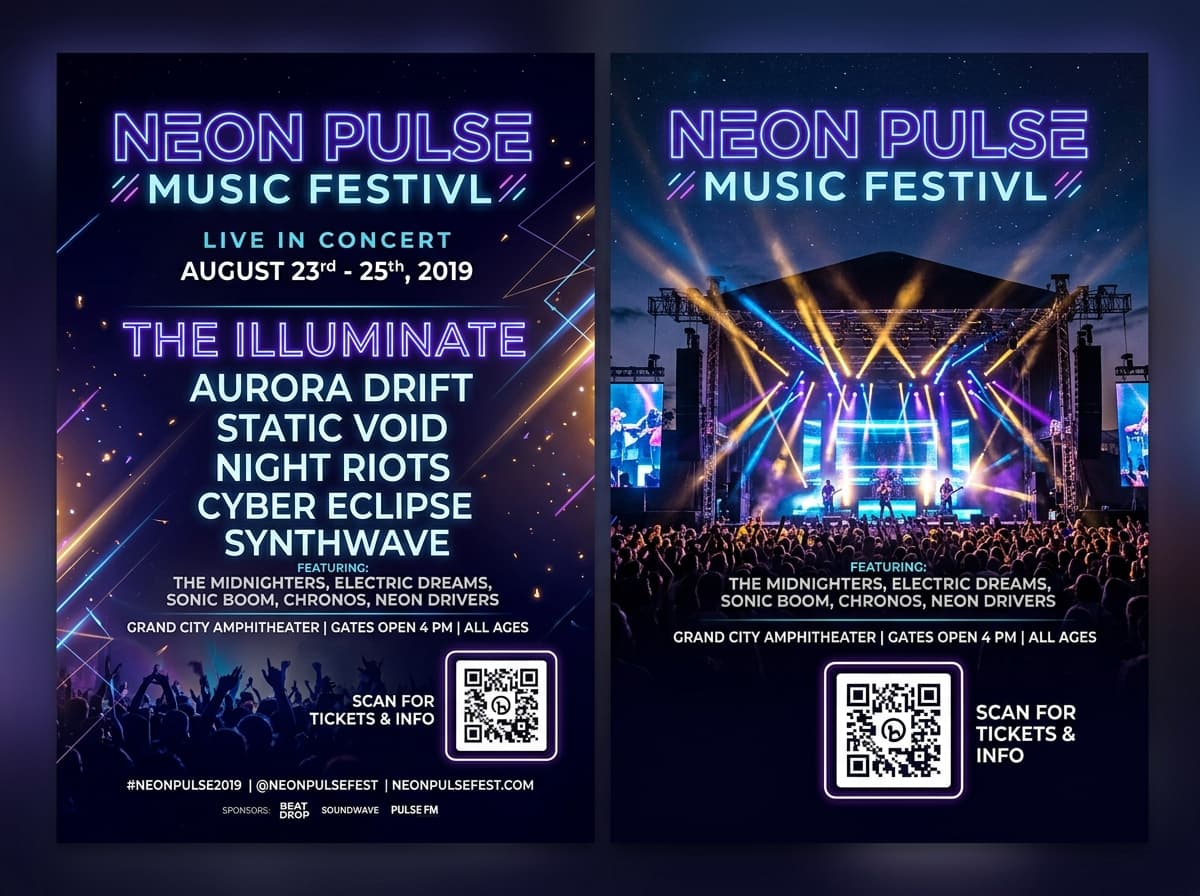
Neon Pulse Music Festival
Saturday, Oct 12 · Grand City Amphitheater
3 × 3 cm
Minimum Print Size
For standard A5 arm-length reading
1 : 10
Distance-to-Size Ratio
Universal print scanning formula
300+ DPI
Print-Grade Precision
Lossless vector SVG & Ultra-HD PNG
$0 Cost
Reprint Waste Avoided
Update destinations post-printing
Physical Sizing Blueprint
How big should the QR code be on your flyer?
For a handheld A5 flyer read at arm's length, 3 × 3 cm is the practical minimum. Use our interactive calculator below to find the exact millimeter dimensions for your handout format.
Optimal printed size
3.1 × 3.1 cm
(1.22 × 1.22 inches)
Handheld Sizing & Scan Range Diagram
Flyers held in hand (25cm to 35cm) require a clean 3.0cm to 3.5cm code. This provides sufficient physical module density to prevent camera focus delay even on older smartphone models.
Never print below 2.5 × 2.5 cm on paper handouts. Sizing at 3.0 × 3.0 cm guarantees instant scan lock on 99.8% of mobile devices.
3.0 to 3.5 cm
code width
25 to 40 cm
scan distance
The code should be roughly 1/10th the distance it's read from. This size covers the scanning distance shown.
Print Engineering
The four placement rules that maximize flyer scan rates
Avoid the common design mistakes that cause beautifully printed flyers to be ignored or fail camera decoding.
Anchor in corners, never buried in body copy
Position your code in a dedicated bottom corner or clearly framed box. Avoid placing codes where readers' thumbs hold the paper or across natural fold lines.
Maintain 80%+ luminance contrast
Always keep dark pattern modules on a clean light background. Pale pastels, inverted colors, or textured paper backgrounds cause scan failures under dim indoor lighting.
Give a compelling reason to scan
A bare matrix gets skipped. Add an actionable frame with clear microcopy like 'Scan for 20% Off', 'View Cocktail Menu', or 'Save Contact to Phone'.
Preserve a 4-module quiet zone buffer
Keep a clean margin around the code. If decorative flyer artwork, photos, or text borders touch the outer finder squares, phone cameras cannot decode the matrix.
Industry Applications
Where flyer QR codes generate high-converting foot traffic
Explore how concert promoters, restaurateurs, realtors, and contractors bridge physical handouts into immediate actions.

Events, Concerts & Festivals
Hand out promotional flyers at clubs, campuses, or trade shows linking directly to ticket checkouts, artist playlists, and VIP guest lists.
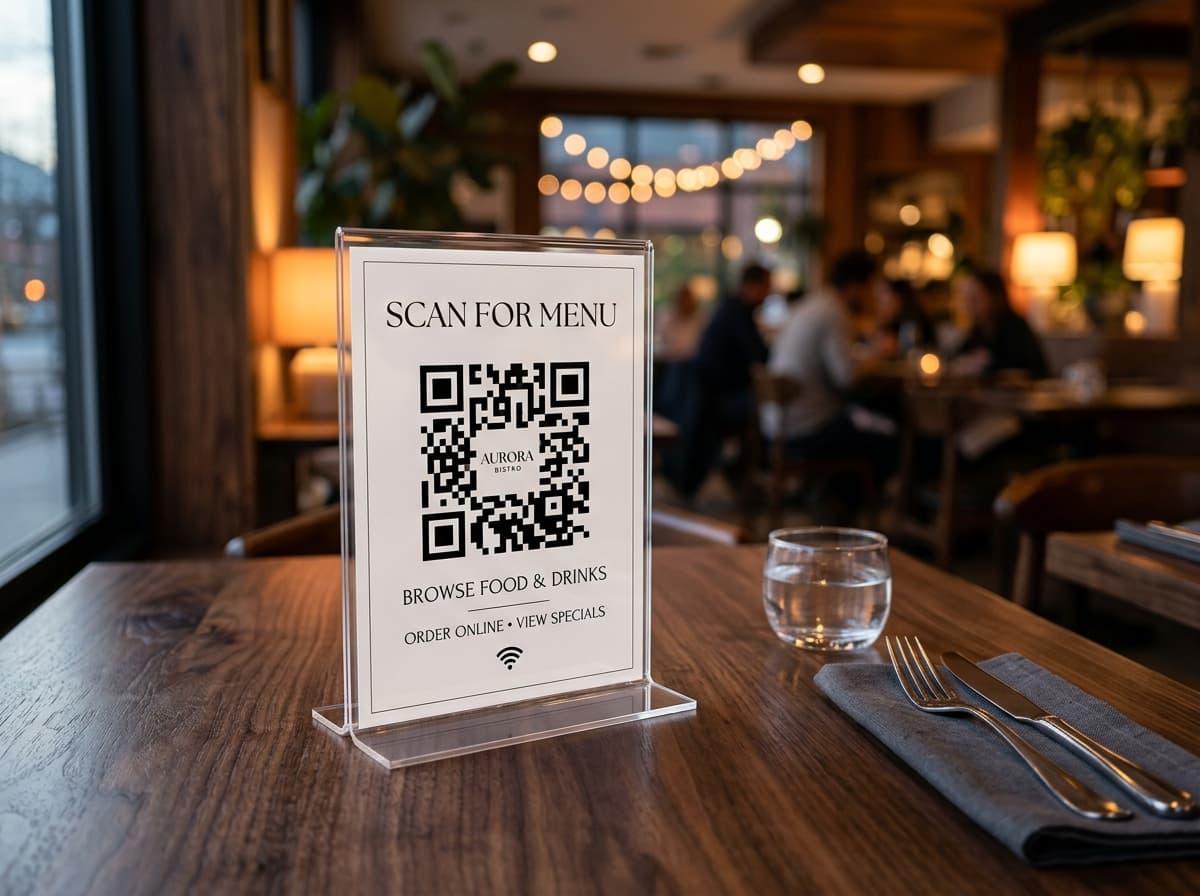
Restaurants & Takeout Menus
Distribute neighbourhood door-to-door flyers with seasonal specials and direct online ordering links that update without reprinting.

Real Estate & Open Houses
Equip property listing flyers with QR codes pointing to 3D video walk-throughs, high-res floor plans, and instant agent WhatsApp chats.
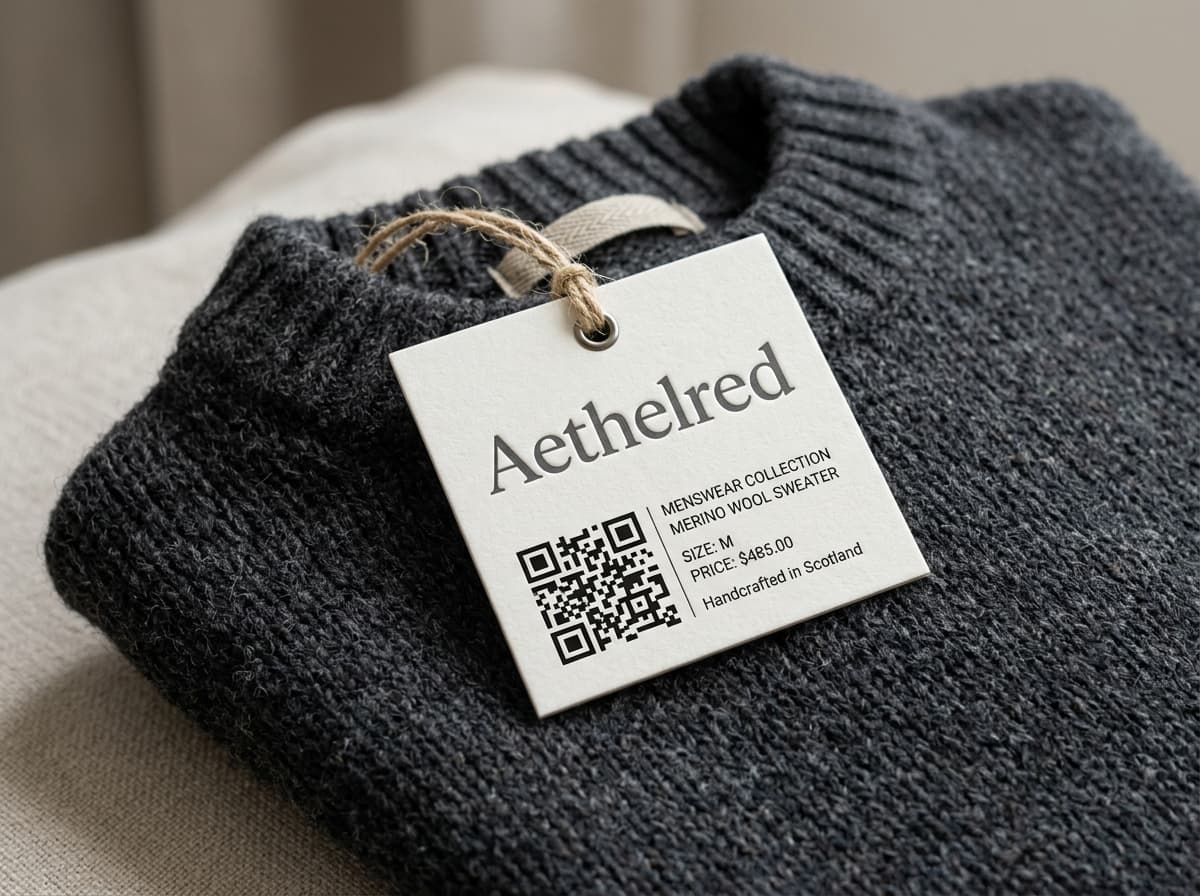
Retail Boutiques & Pop-Ups
Insert printed promotional cards in shopping bags offering a 15% discount on the next online purchase or exclusive product drop alerts.
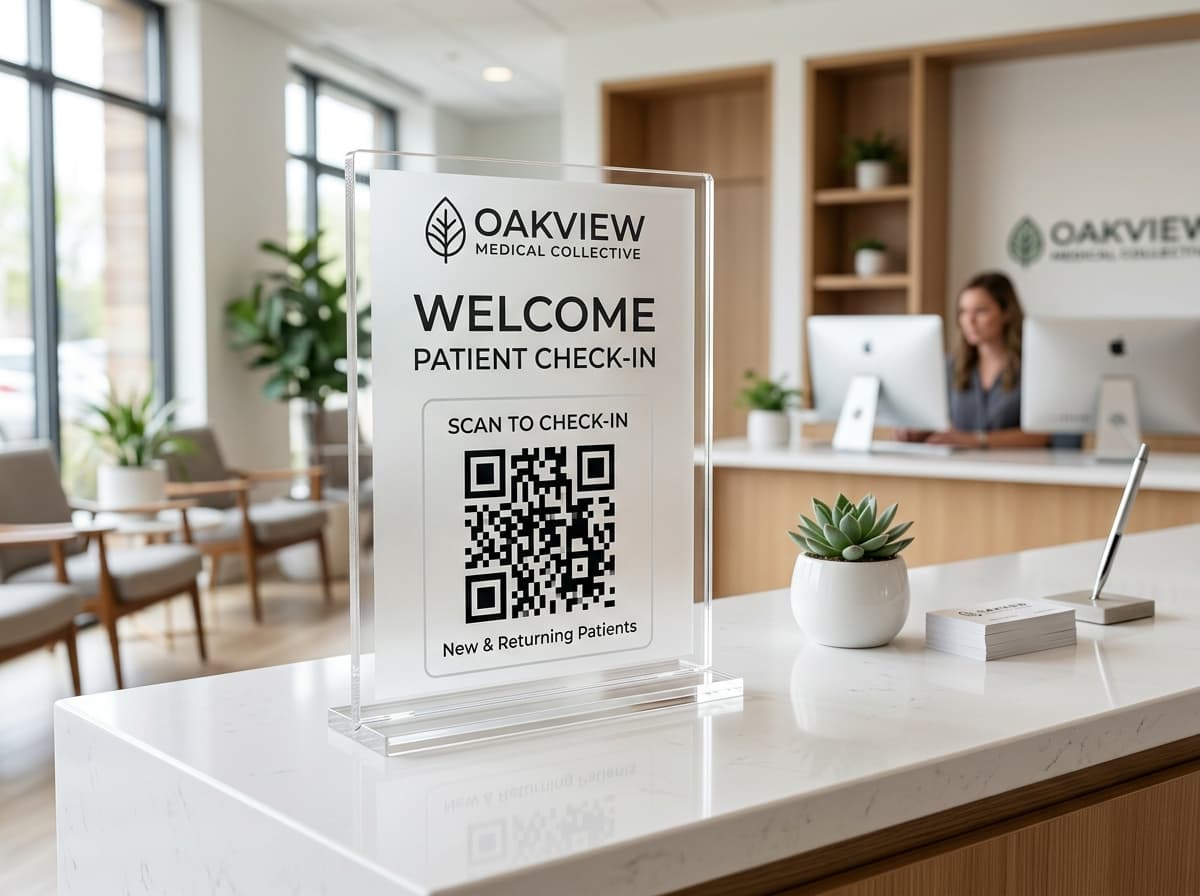
Gyms, Studios & Classes
Leave fitness flyers at local cafés allowing passersby to book their first complimentary yoga or HIIT session in a single tap.
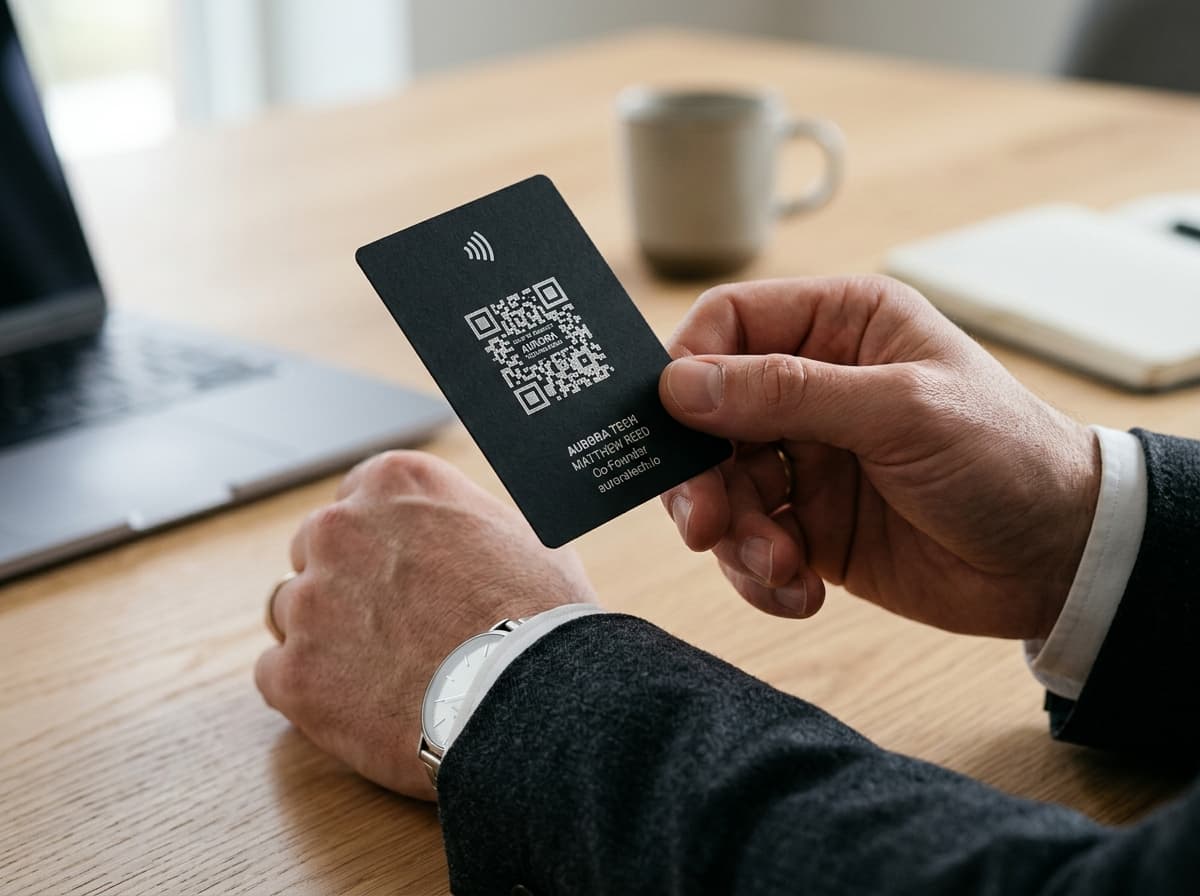
Contractors & Local Services
Plumbers, electricians, and roofers: hand out business flyers with a vCard QR code that saves your direct emergency number to the client's address book.
Zero-Reprint Guarantee
Printed 5,000 flyers with a typo or expired promo? Fix it live.
With static QR codes, a broken URL or ended promotion turns your entire physical print inventory into landfill. With ScanOrbit dynamic QR codes, the destination link redirects on our global edge network: update the destination in seconds and every distributed flyer remains active.
Update seasonal promo links anytime
Day 1 flyer opens Halloween special; Day 45 flyer opens Thanksgiving menu.
Track distribution neighborhood performance
Know exactly which postal route or street event generated the most customer scans.
scanorbit.app/r/abc123
same link, every scan
Spring menu
scanorbit.app/r/abc123
same link, every scan
Summer menu
The printed code is identical on both days. Only the destination changed: edited once in the dashboard, no reprint.
Zero-Friction Workflow
How to prepare and print your flyer QR code in four steps
Follow these four simple steps to go from a digital link to a commercial print-ready asset.
Choose Flyer Destination
Select what happens on scan: mobile landing page, PDF menu, discount coupon, event ticket, or instant vCard contact.
Brand with Colors & Frame
Match flyer brand colors, embed your company logo, and pick an actionable CTA frame like 'Scan for 20% Off'.
Size with 1:10 Rule & Export SVG
Calculate print dimensions based on viewing distance and download print-ready vector SVG or 300+ DPI PNG.
Print & Track Foot Traffic
Send to your commercial printer and watch real customer scans, device types, and cities report back to your live dashboard.
Frequently Asked Questions
Everything you need to know about flyer QR codes
Direct answers regarding minimum print dimensions, high-contrast styling, paper textures, and vector file handoffs.
Have a custom print question?
Our print engineers are ready to assist
Need guidance on custom CMYK color matching, vector PDF export with bleed margins, or large commercial runs? Contact our team.
3 × 3 cm (1.2 × 1.2 inches) is the practical minimum for a standard A5 flyer held at arm's length (roughly 25 to 35 cm away). Printing smaller than 2.5 cm can cause scan failures on older smartphone cameras or in dim lighting.
Create a print-ready vector flyer QR code in under 60 seconds
Export lossless SVG vectors with print bleed and customizable scan frames. Edit your destination URL anytime with zero reprint waste.
No credit card required · Instant setup in under 30 seconds
Point your phone camera to scan
Tests dynamic redirect hop & arm-length reading