Vinyl Stickers & Packaging Labels
QR codes for stickers, sized to survive small surfaces
Stickers offer compact space and challenging surfaces: curved bottles, bright outdoor sunlight, and heavy handling. Matte vinyl finishes and 2cm baseline sizing ensure reliable scans on every product.
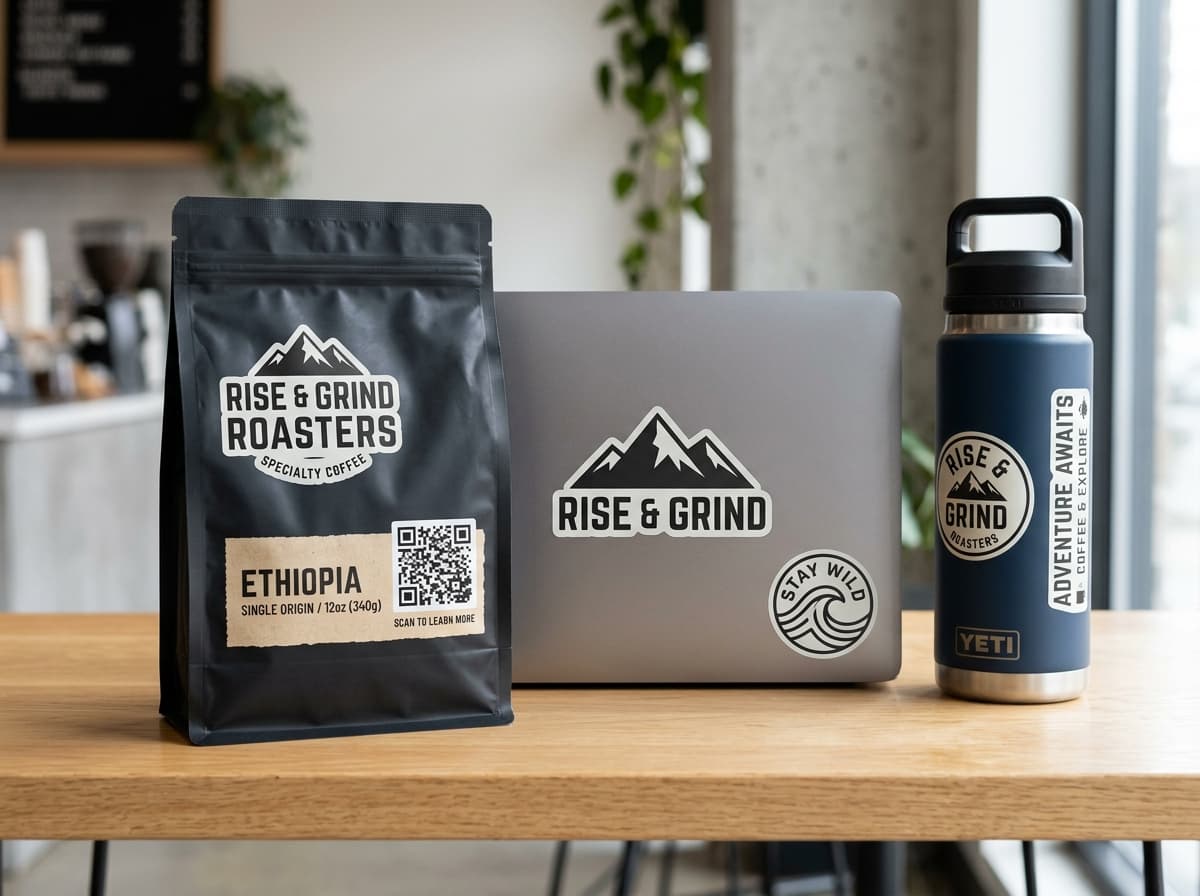
Rise & Grind Roasters
Ethiopia Single Origin · Batch #402
Micro Precision Studio
Calculate exact dimensions for product labels and packaging
Find the perfect balance between compact sticker dimensions and high-speed camera readability.
Optimal printed size
2.5 × 2.5 cm
(0.98 × 0.98 inches)
Close-Range Optical Distance Diagram
Never print QR codes smaller than 2 × 2 cm on physical stickers. Even if mathematical formulas suggest smaller dimensions at 10cm distance, standard commercial ink bleed requires a 2cm buffer to prevent module merge.
Always maintain a 4-module quiet zone around the outer matrix on small stickers. Background graphics or bleed cuts that touch the finder corners will disrupt camera autofocus.
2 × 2 cm
code width
10 to 25 cm
scan distance
The code should be roughly 1/10th the distance it's read from. This size covers the scanning distance shown.
Substrate & Finish Rules
4 engineering rules for high-conversion sticker campaigns
Eliminate camera glare, curved-surface distortion, and physical replacement waste with these vinyl rules.
Apply on flat planes, avoid sharp cylinder curves
Wrapping a square QR code around small bottles, tubes, or tight pipes distorts module geometry. Scanners expect square finder ratios. Position codes on the flat face of packaging.
Choose matte laminate to eliminate blinding camera glare
Glossy laminates reflect sunlight and harsh store spotlights directly into smartphone camera lenses, washing out module contrast. Matte vinyl preserves 100% scan reliability.
Preserve maximum data density on small stickers
On a small 2cm or 3cm sticker, embedding a large center logo covers essential error correction modules. Keep the matrix clean or use a subtle branded CTA border instead.
Use dynamic codes so you never have to scrape stickers
Stickers are the hardest physical format to replace once stuck onto thousands of retail boxes or warehouse bins. Dynamic QR codes let you change destinations in the cloud without touching existing stickers.
Real-World Applications
Where scannable vinyl stickers create customer engagement
From coffee bag packaging to community swag decals and heavy equipment asset tags.
Coffee Bags & Artisan Food Packaging
Apply matte die-cut stickers to coffee pouches and gourmet jars linking directly to harvest origin stories, tasting notes, and one-tap reordering.
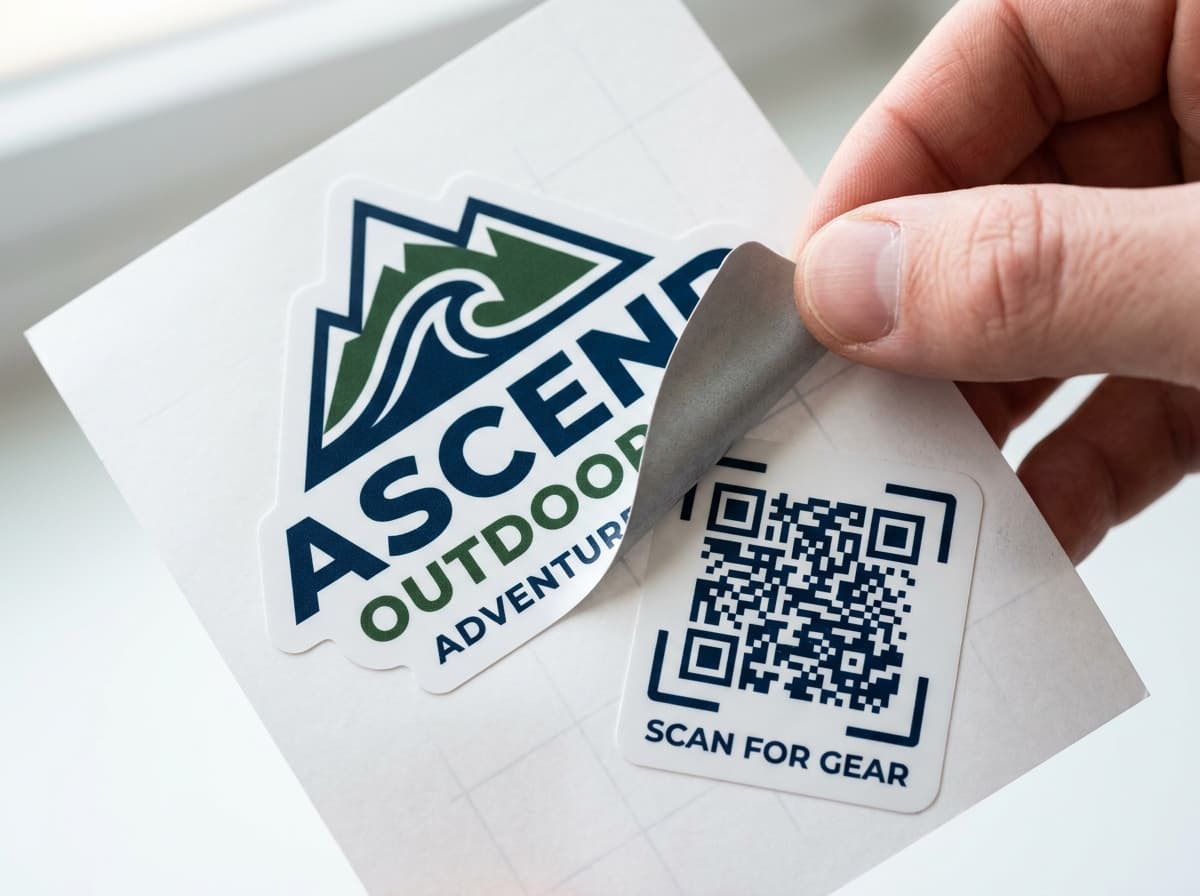
Die-Cut Brand Swag & Laptop Decals
Distribute durable vinyl die-cut swag stickers at meetups and conferences that turn community laptops into scannable viral referral hubs.
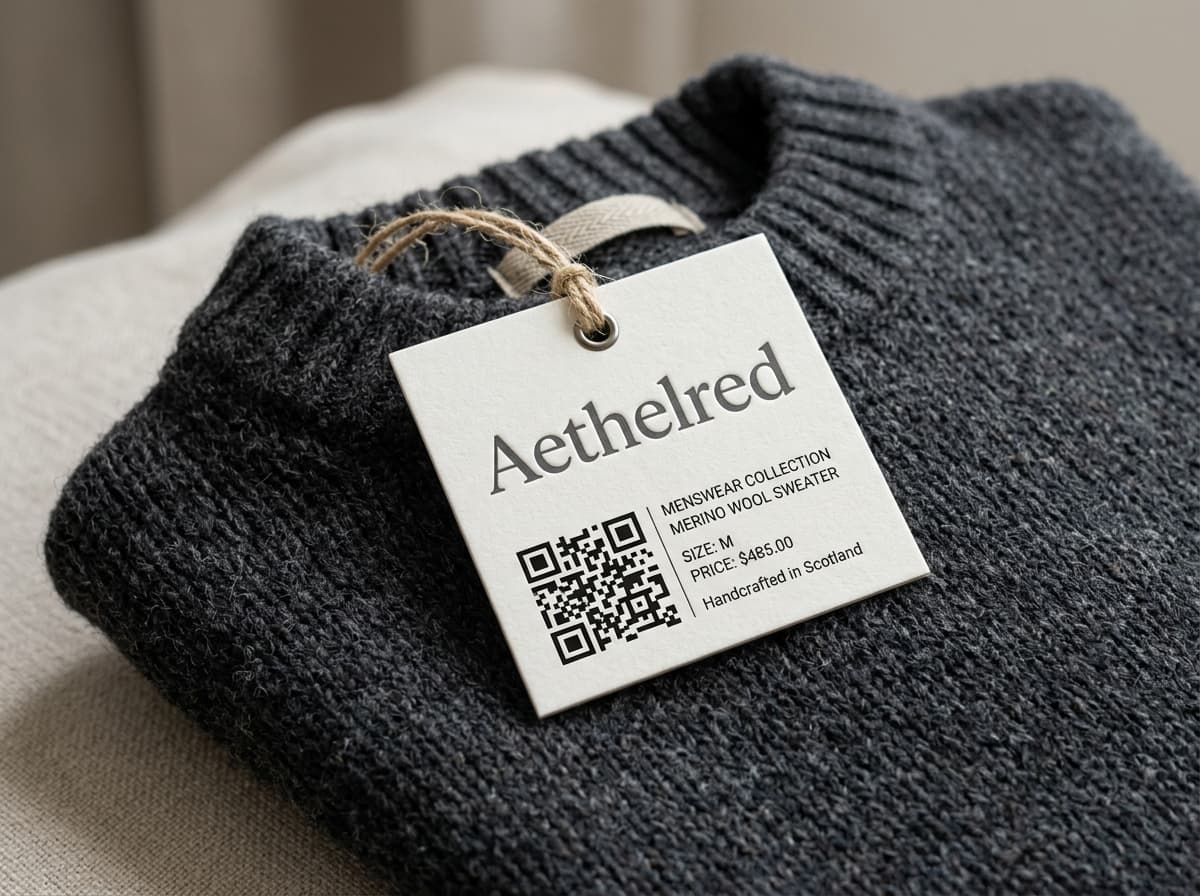
Retail Product Labels & Hangtags
Attach compact 2.5cm stickers to clothing tags and cosmetics packaging to provide instant ingredient lists, size guides, and provenance verification.

Equipment & Asset Maintenance Tags
Affix heavy-duty industrial vinyl stickers to HVAC units, factory machinery, and tools for instant access to PDF service manuals and maintenance logging.
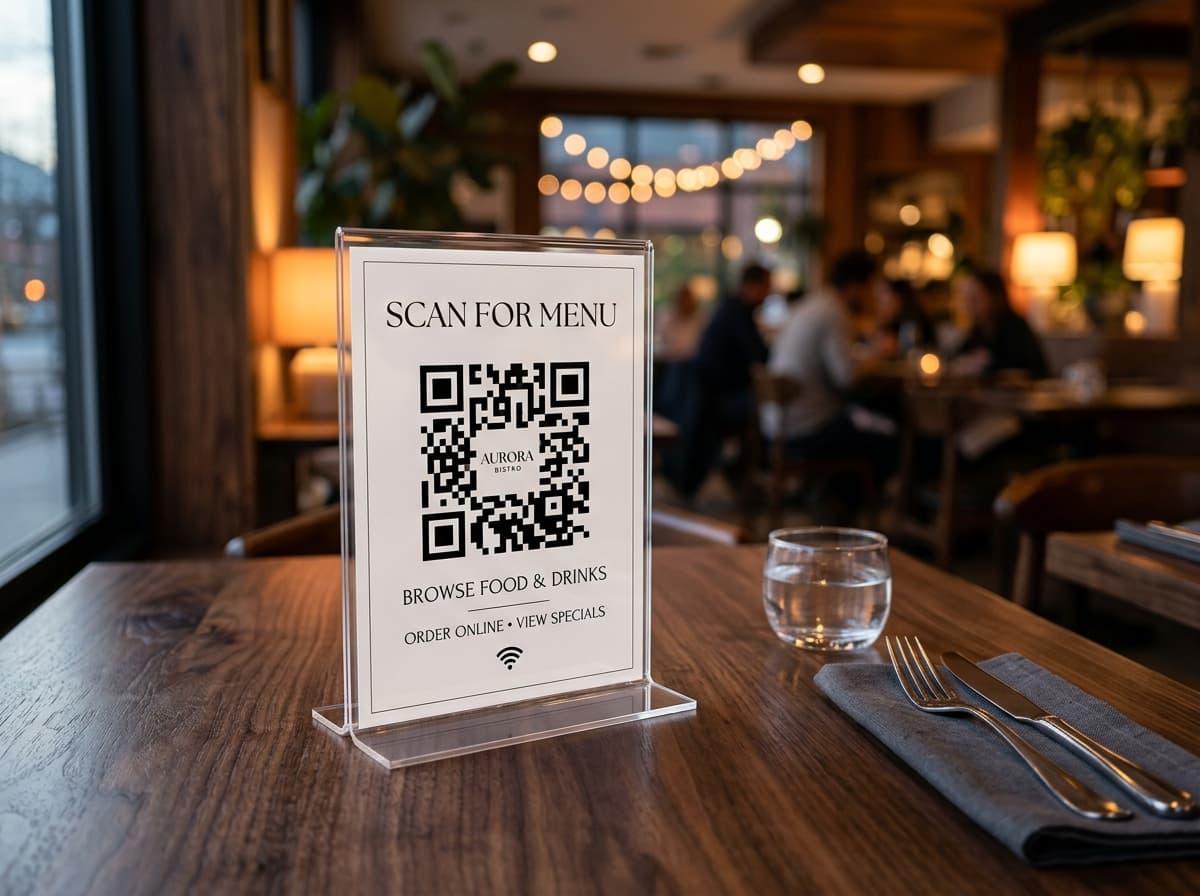
Storefront Window & Door Decals
Mount weather-resistant glass vinyl decals at café entrances allowing patrons to join guest WiFi networks or browse digital menus before entering.
Vehicle Fleet & Delivery Bumper Decals
Stick weatherproof bumper and rear-window decals on service vans and trucks allowing drivers stuck in traffic to scan for instant service quotes.
Zero Scrape & Replace
Never scrape off and re-apply 5,000 physical product stickers
Applying stickers to physical inventory is labor-intensive. If an ingredient list updates, a promo code expires, or a landing page URL changes, a dynamic QR code lets you redirect traffic in the cloud instantly without peeling a single sticker.
scanorbit.app/r/abc123
same link, every scan
Spring menu
scanorbit.app/r/abc123
same link, every scan
Summer menu
The printed code is identical on both days. Only the destination changed: edited once in the dashboard, no reprint.
Deployment Workflow
4 steps to deploy custom scannable vinyl stickers
From sizing and vector SVG export to matte die-cutting and scan tracking.
Choose Destination & Type
Pick your target URL, PDF guide, digital business card, or WiFi config. Select Dynamic to allow post-stick cloud redirects.
Size for Surface & Substrate
Ensure at least 2 × 2 cm for close-up scanning. Check surface curvature and reserve a 4-module quiet zone margin around the outer edge.
Export Print-Ready Vector SVG
Download high-precision vector SVG or 300+ DPI PDF files ready for die-cut kiss cutting and custom vinyl sticker printing.
Apply Vinyl & Monitor Scans
Stick onto packaging, products, or storefronts and watch live scan volume, operating systems, and top geographic locations in your dashboard.
Sticker Print FAQ
Frequently answered questions
Everything you need to know about QR code sticker sizing, vinyl finishes, and curved product placement.
Talk to our product specialists for batch CSV generation, sequential numbering, and die-cut vector exports.
Contact sticker specialistsReady to print scannable stickers and labels?
Generate crisp vector QR codes for stickers in seconds. Customize colors, add CTA frames, and download print-ready vector SVG files for vinyl die-cutting.
Point phone camera from 10 to 20 cm away