QR Codes for Business Cards
The contact card that updates itself.
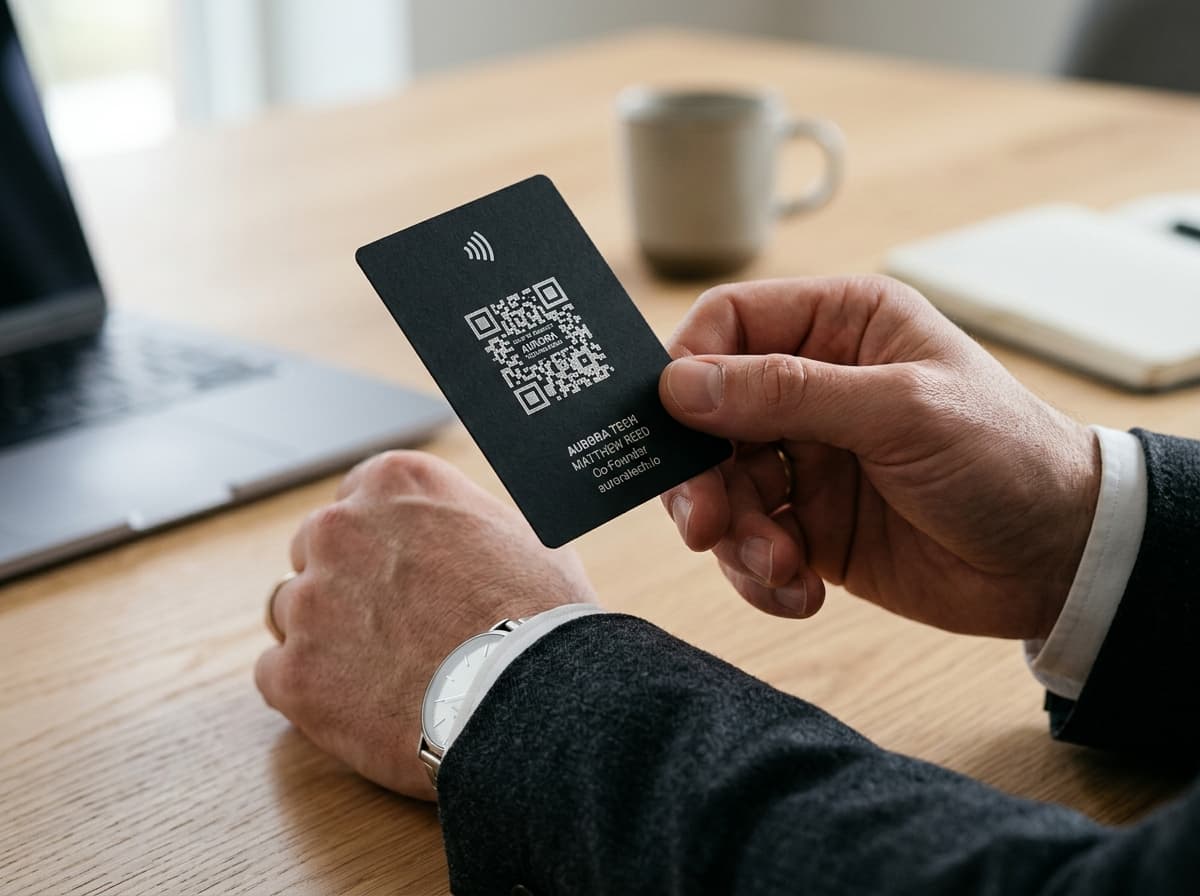
A business card is a bet that nothing about you will change before the box runs out. Then you get promoted, switch companies, or your number changes carriers, and there's a drawer of expensive cardstock quietly turning into landfill. A vCard QR code moves your details off the card and onto a page you control. The card stays exactly the same; your job title, phone number, and links don't have to.
The bigger change isn't really about avoiding reprints; it's about what happens in the ten seconds after you hand someone a card. Almost nobody types a phone number in from a printed card anymore; they either forget to, or they photograph the card and never look at the photo again. A vCard QR code turns that moment into a single tap: name, job title, company, phone, email, and website land directly in the other person's Contacts app, spelled correctly, with nothing to transcribe. Worth knowing upfront: the vCard format here covers those core fields well but doesn't currently include a profile photo; if putting a face to the saved contact matters to you, that's still down to the conversation, not something the scan itself carries.
reprints needed when your job title, number, or email changes
0
0
reprints needed when your job title, number, or email changes
1
scan to save a full contact: name, title, company, phone, email, and website
Live
analytics on how many times your card's QR code has been scanned
Free
to create your first vCard QR code
Direct Comparison
Why dynamic QR codes outperform paper menus
A clear look at operational friction versus instant digital agility.
| Operational Scenario | Traditional Paper / Static QR | ScanOrbit Dynamic Solution |
|---|---|---|
| Price Adjustments | Manual pen strikethroughs or $300+ reprint batch runs whenever ingredient costs change. | Change prices in seconds from your mobile dashboard. Every table QR code updates instantly. |
| Sold-Out Specials | Diners order 86'd items; servers repeatedly apologize, slowing down table turns. | 1-click hide sold-out dishes so diners only see currently available items. |
| Seasonal Menu Shifts | Pay for new laminated cardstock and wait 5 to 10 business days for print delivery. | Upload a new PDF or link to a seasonal catalog with zero physical replacement. |
| Guest WiFi Access | Servers waste time repeating complex passwords across noisy dining rooms. | Diners scan a coaster QR code to auto-connect to the guest WiFi network instantly. |
| Google Review Growth | Passive table tents asking guests to search Google (over 95% of guests forget). | Receipt footer QR code deep-links directly into the Google 5-star review submission modal. |
Tactical Deployments
How professionals use business card QR codes
These are the highest-converting physical touchpoints for business cards. Each is a separate dynamic QR code: fully trackable, updatable, and branded.
Conference badge: scan to save a contact in the ten seconds you actually have someone's attention between sessions.
On the back of a business card, a vCard QR code with 'Scan to connect' does the work the front of the card can't.
An email signature QR code linking to your LinkedIn or portfolio is mainly useful for someone reading on a second device.
Sales brochure footer: scan to save the rep's contact, so a follow-up call doesn't depend on someone digging out a card three weeks later.
A trade show counter card can be scanned for a fuller company profile than a business card has room to explain.
Business Cards Live Telemetry
Real-time scan logs
Implementation Blueprint
How to deploy QR codes for business cards
From initial vector export to live table tents and receipt footers in under 5 minutes.
Enter the fields that actually matter
Name, job title, company, phone, email, and website cover most networking needs; stick to what someone would genuinely want saved in their Contacts app, not everything you could technically add.
Match the QR code to your card design
Set the code color and add a small line like 'Scan to save contact'; an unlabelled code on the back of a card gets ignored far more often than one with a clear instruction.
Export at print resolution
Download as SVG so the code stays sharp at business-card size, which is small enough that a low-resolution PNG can genuinely fail to scan.
Update your details the moment they change
New job, new number, new title: update it once in ScanOrbit and every card you've ever handed out, going back years, immediately reflects it.
Tailored Formats
Recommended QR formats for business cards
Each physical touchpoint demands a specific QR type. These formats deliver the highest scan conversion.
vCard QR Code
The primary type for business cards, saves directly to Contacts
Social Media QR Code
Send people straight to one social profile in a scan
Landing Page QR Code
Create a full personal brand page for networking events
URL QR Code
Link directly to your LinkedIn, portfolio, or website
UPI Payment QR Code
Let a client pay a freelance invoice straight from your card, no bank details typed out
Industry FAQ
Common questions for Business Cards
Direct answers regarding printing dimensions, scan durability, redirect management, and analytics for business cards.
Have a custom rollout question?
Our engineering team is ready to help
Need help scaling across multiple store locations, hotel properties, or commercial packaging lines?
Not currently. The vCard here covers name, job title, company, phone, email, and website, which is what most people actually need saved. If putting a face to the contact matters, that still comes down to the conversation rather than the scan itself.
Cross-Sector Solutions
Explore more industry blueprints
See how other sectors eliminate reprint costs and track physical engagement.
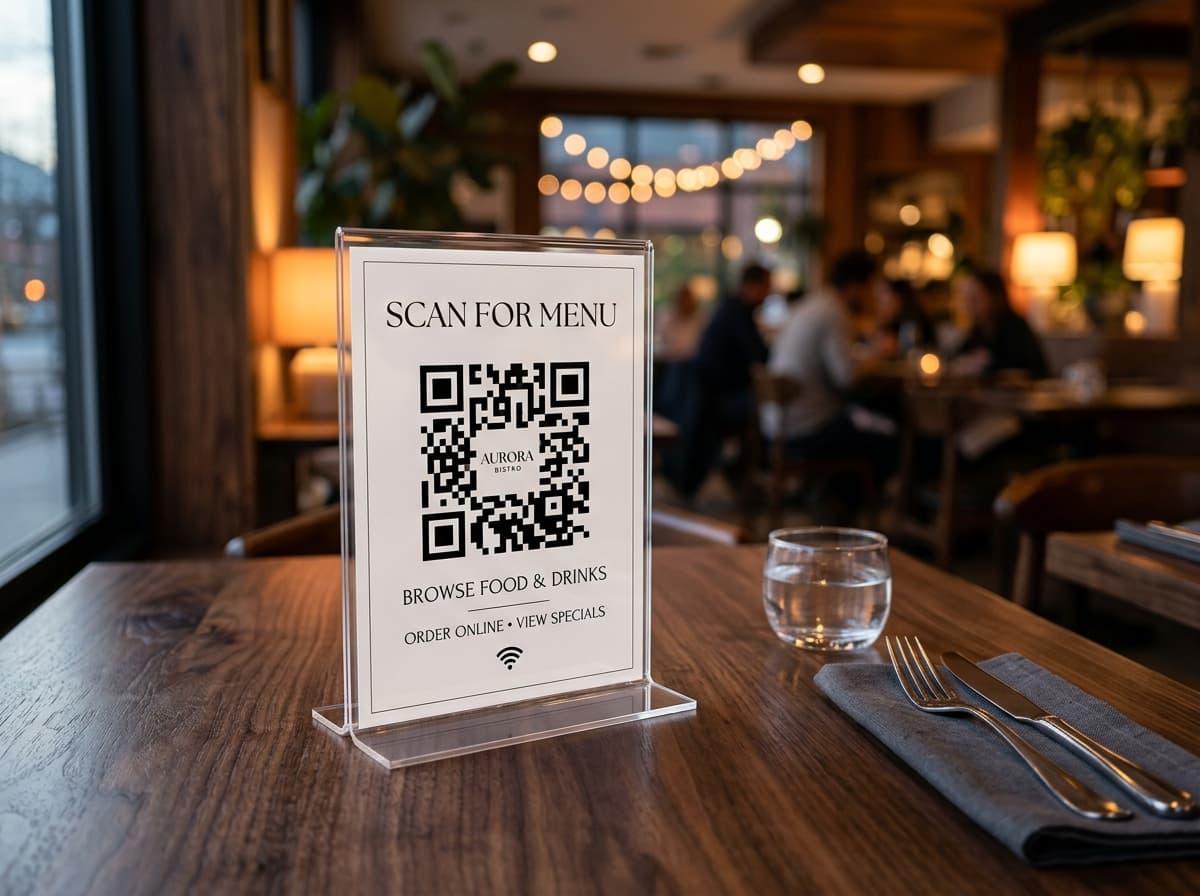
Restaurants & Cafés
Turn paper menus into instant digital experiences.
Contactless menus, WiFi codes, loyalty campaigns, and review links, all with a single scan.
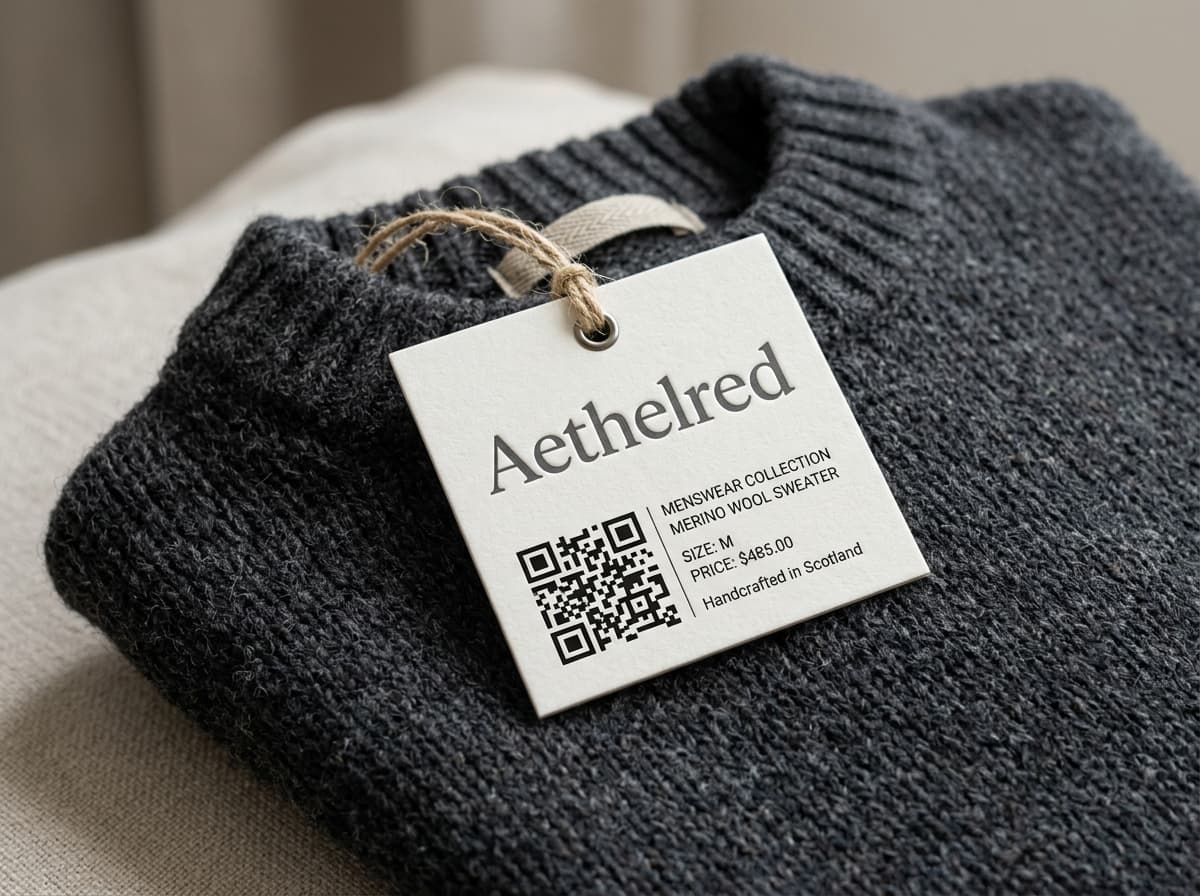
Retail & eCommerce
Bridge the gap between physical and digital.
Product pages, discount codes, loyalty programmes, and stock alerts triggered from shelf labels.

Events & Conferences
Streamline every touchpoint of your event.
Digital programmes, speaker bios, feedback forms, and sponsor activations, all without printing.
Related Guides & Knowledge Base
Master print optimization, real-time analytics telemetry, and campaign design best practices.
 Design4 min read
8 QR Code Design Mistakes That Hurt Scan Rates
Avoid contrast errors, margin clipping, and improper error correction before high-volume commercial print runs.
 Analytics6 min read
What Your QR Code Analytics Are Actually Telling You
Decode scan telemetry: turn city geolocations, device breakdowns, and time curves into actionable campaign ROI.
 Guides5 min read
Dynamic vs Static QR Codes: Which One Do You Need?
Understand the core architecture: offline raw encoding vs cloud redirection with instant destination updating.
Help Center & Implementation Documentation
What is a QR Code?
Matrix symbology, Reed-Solomon error correction, and optical scanner mechanics.
How to Customize Your QR Code
Palette selection, custom logo insertion, frame badges, and vector export formats.
Choosing Error Correction Levels
Level L (7%) to Level H (30%): picking the right density for print durability.
Explore All 31 QR Code Types for Business Cards
Every QR code format supported by ScanOrbit connects physical touchpoints directly to digital conversions.
Website URL
Editable dynamic link
Point to any website or page. Change the destination anytime without reprinting.
Digital vCard Plus
1-Tap contact save
Complete professional profile. Directly saves names, numbers & emails to phone contacts.
WiFi Network Pass
Instant zero-type connect
Connect phones directly to guest WPA/WPA2 networks without typing long passwords.
WhatsApp Chat Starter
Pre-filled direct chat
Launches WhatsApp with a custom pre-written enquiry message directly to your phone.
1-Tap Phone Call
Instant dialler trigger
Opens the native phone dialler with your business line ready to call with one touch.
Email Dispatch
Pre-composed message
Opens user's default email client with recipient, subject, and body pre-populated.
Social Media Multi-Link
All channels in one bio
Mobile landing page aggregating Instagram, TikTok, YouTube, LinkedIn, and X.
App Store Smart Router
iOS & Android auto-routing
Detects scanner device OS and redirects instantly to Apple App Store or Google Play.
Google Review Booster
Direct 5-star rating link
Sends customers straight to the Google Maps review submission box in 1 scan.
A/B Smart Traffic Split
50/50 variant split test
Split scan traffic across two distinct landing pages to measure conversion winners.
Video & Showreel Stream
Instant video playback
Streams YouTube, Vimeo, or MP4 video without requiring viewers to install apps.
Image Portfolio Gallery
Multi-photo showcase
Displays a swipeable, high-resolution photo gallery on any printed flyer or display.
Audio & MP3 Streamer
Podcast & audio player
Plays audio tracks, museum tour guides, and podcast episodes in the browser.
PDF Document & Catalog
Replace heavy print runs
Downloadable PDF menus, brochures, and user manuals. Update files without reprinting.
Interactive Food Menu
Contactless digital menu
Mobile menu with allergen tags, multi-language support, and 1-second price updates.
Retail Product Showcase
Photo, specs & buy link
Connects on-pack packaging to rich product specifications, reviews, and reorders.
GS1 Digital Link Barcode
2D packaging standard
The official retail packaging barcode standard combining POS checkout and consumer info.
Coupon & Promo Voucher
Tracked discount redemption
Delivers digital coupon codes with barcode scanners and expiration countdowns.
Calendar Event Pass
1-Tap .ics calendar add
Adds conference sessions, webinars, and dates straight into Apple/Google Calendar.
Lead Capture Form
Point-of-scan CRM sync
Collects names, phone numbers, and requirements on-location, synced to your CRM.
Hosted Micro-Site
No code or domain needed
Full mobile landing page builder hosted on fast CDN edge servers with custom branding.
Customer NPS & Feedback
1-Tap star rating
Collects customer satisfaction scores, reviews, and qualitative feedback in real time.
Multi-Question Survey
Detailed survey intake
Gathers multi-step responses and research data directly into downloadable CSV tables.
Instant Live Poll
Live audience voting
Collects single-question live votes during keynotes, lectures, and live events.
Google Maps Pin Location
1-Tap GPS directions
Opens exact GPS coordinates or venue address directly in Google Maps or Apple Maps.
UPI Direct Scan & Pay
Zero-fee Indian UPI
Generates instant UPI intent QR codes for Google Pay, PhonePe, Paytm, and BHIM.
UPI Payment + Lead Form
Collect info then pay
Captures payer name, invoice number, and custom amount before triggering UPI checkout.
Bitcoin & Crypto Wallet
BIP-21 wallet payments
Accepts BTC, ETH, and USDT payments with pre-configured recipient addresses.
SEPA Euro Bank Wire
European IBAN transfer
Pre-fills Euro bank transfer invoices with IBAN, BIC, and exact payment references.
Static Plain Text
Offline serials & keys
Encodes alphanumeric hardware serials, inventory IDs, and offline text tokens.
SMS Auto-Draft
Pre-filled text message
Opens mobile messaging app with pre-filled recipient phone number and SMS body.
All 31 Specialized QR Code Formats Supported
27 dynamic formats editable after printing · Vector SVG, PDF, and high-res PNG downloads included.
Deploy Business Cards QR codes in under a minute
Three dynamic codes free forever. Edit destination links anytime after printing, export print-ready vectors, and track scan telemetry with zero surprise trial deactivations.
No credit card required · Instant setup in under 30 seconds
Point your phone camera to scan
Tests dynamic URL redirect and instant destination routing